
Help center
Forms in TBit
Forms your agent fills out through conversation: what data to ask for, how it's saved, and what it's used for later.

Forms standardize the collection of critical data. Unlike an open chat, they make sure you capture exactly what you need.
In Communication → Forms → Create Form you access a builder: in the center you define the form's identity, and from the left panel you add the blocks you need.
Does AI fill it out? If you turn it on, the assistant gathers the data invisibly during the conversation. If not, it's shown to the customer so they can fill it out.
Basic fields: Text, Number, True/False, Date/Time.
Selection: closed or open list, multiple selection.
Identity: WhatsApp or Email, which link to the contact's profile.
Files and location: attach receipts or PDFs, address with map.
Advanced: list of products from the catalog and automatic actions on submit.
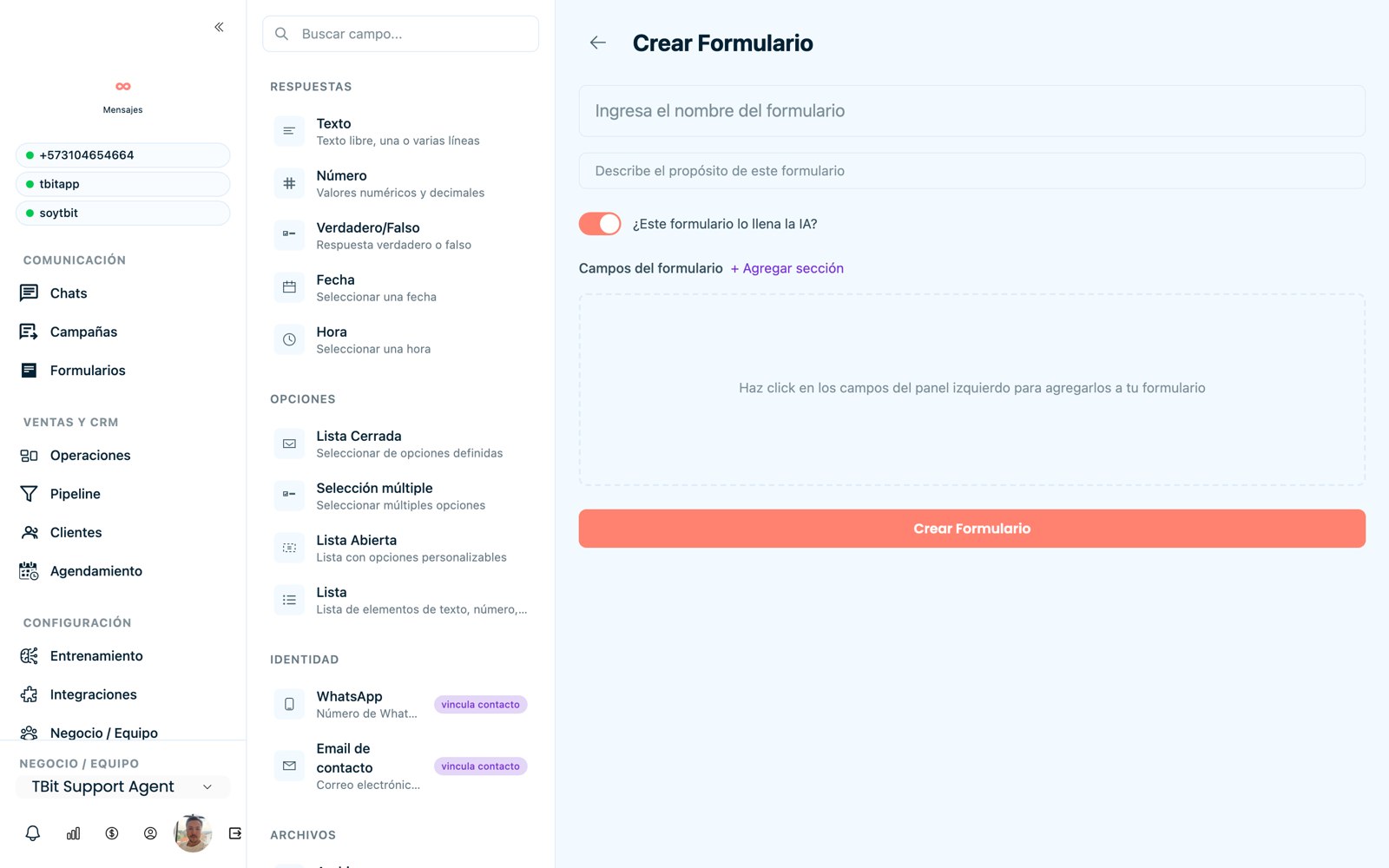
Form builder with blocks by category.
Tip
Each field is customized: name (the question), whether it's required, an example placeholder, and a description. When you're done, click "Create Form" and define in the prompt when AI should activate it.
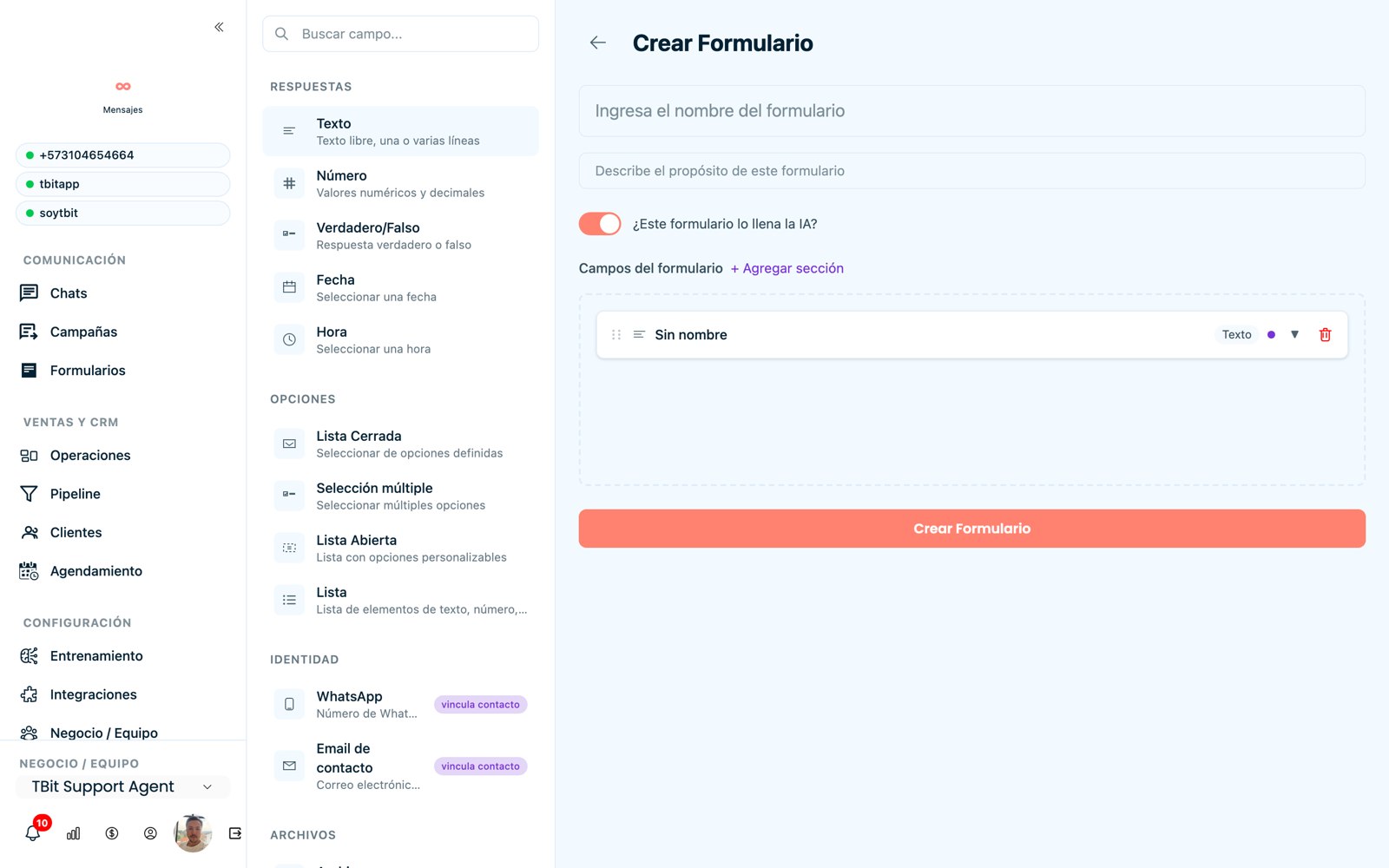
Form builder: add and configure each field.
Export the answers
Everything your customers fill out is saved. In the Processed Forms tab you see each individual answer, and with the Download CSV button you get the full report to work with in Excel or Sheets.
Go to Forms → Processed Forms.
Click Download CSV (top right) to download all the answers.
To open it neatly in Excel: go to the Data → From Text/CSV tab, select the file and confirm; each piece of data stays in its own column.
Typical case
With this, in minutes you have the list of, for example, everyone who completed a credit or quote form, ready to share with your team or to build a follow-up audience.