
Help center
Orders and tasks in TBit
How TBit turns a conversation into an order or a task, and where your team follows up on it.

It's the module for coordinating your team's work and keeping track of everything that generates value in your business. It brings together two things: orders and tasks.
Orders
An order is any event that generates value from your catalog: a product sale, a service provided or a scheduled appointment. TBit records them so you can do attribution, understand what's working and what brings you closer to a sale. Remember that your catalog can have products, services and also rentables (a category for what you rent out).
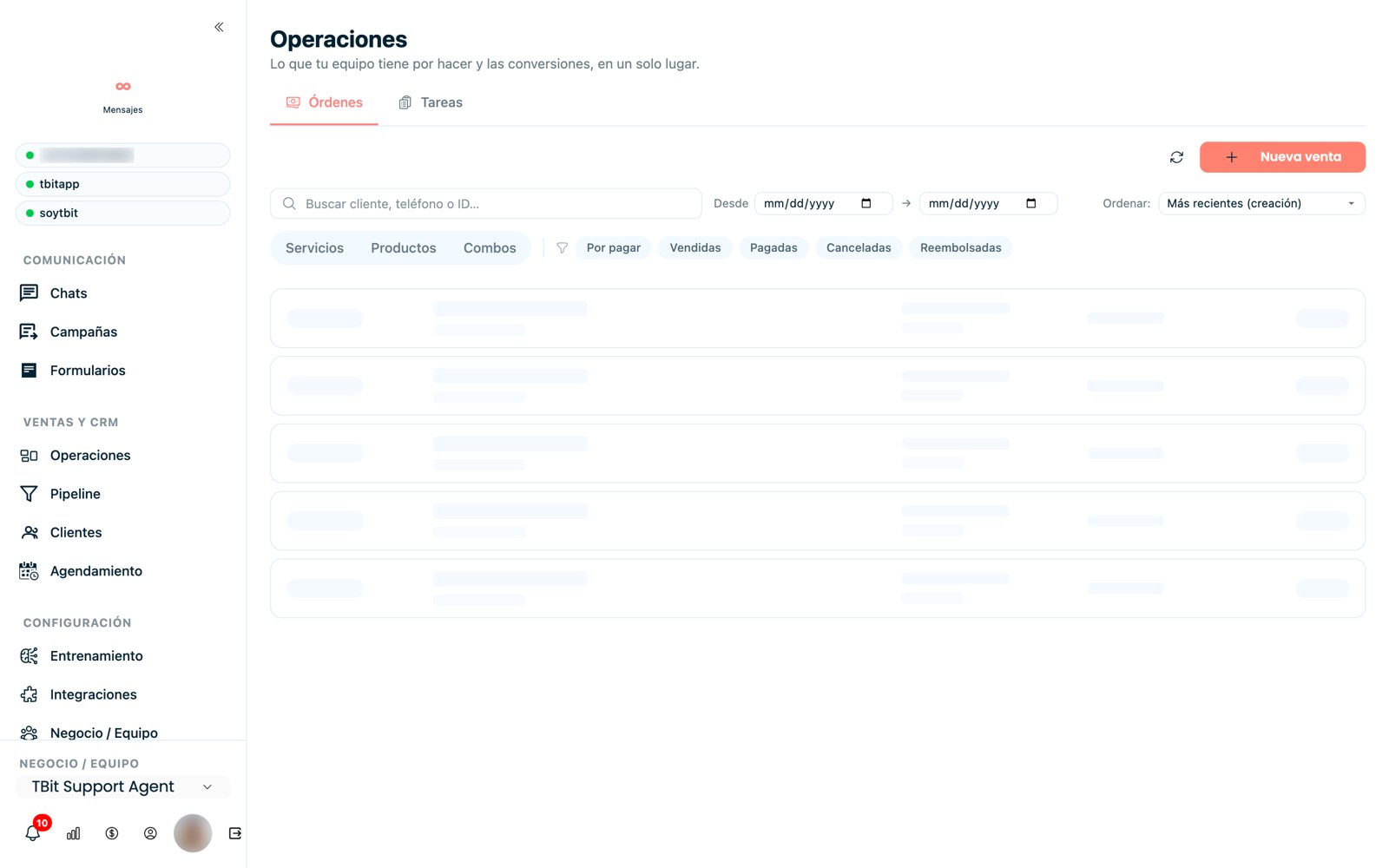
Orders: every sale, service or appointment is recorded to measure what generates value.
Tasks
Tasks are how you share out and track your team's work. You create to-dos, assign them and see their status at a glance:
Overdue and urgent: what needs attention now.
Pending: what's in progress.
Completed: what's already been resolved.
What it's for
With orders + tasks you turn conversations into concrete, measurable actions: you know who does what and what of all that ended up generating revenue.