
Help center
How to send templates in TBit | TBit
Learn how to send Meta-approved campaign templates from TBit. Manage personalized sends with variables and preview.

How to send your Templates
Once your templates are approved by Meta, you can send them to your customers.
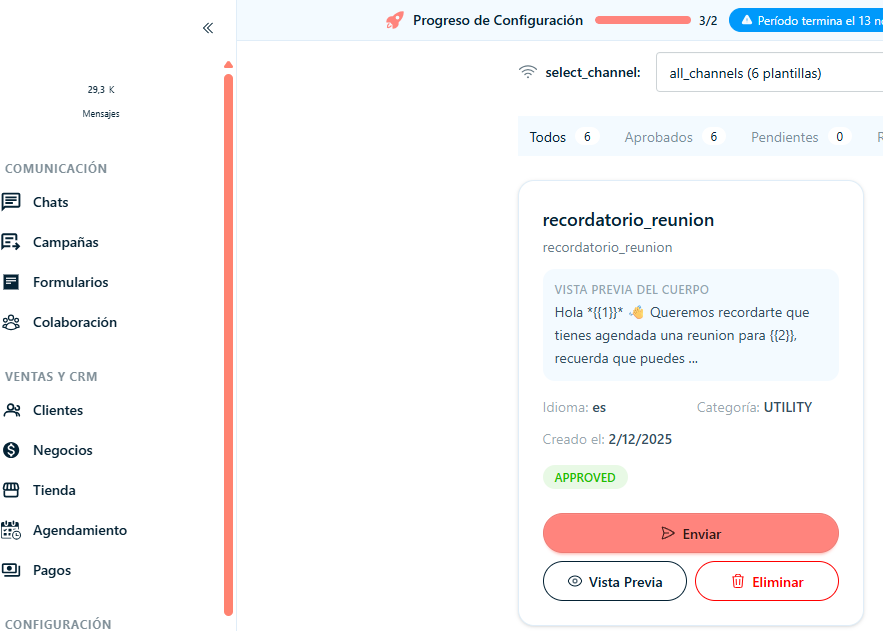
Step 1: Click "Campaigns" from the main menu.
Step 2: Find the template you need to send and click "Send".
Manage the send data
Step 4: Fill in the data the window asks for:
Phone number: The phone number you'll send the template to
Variables: Fill in the variables you've set up (name, link, etc.)
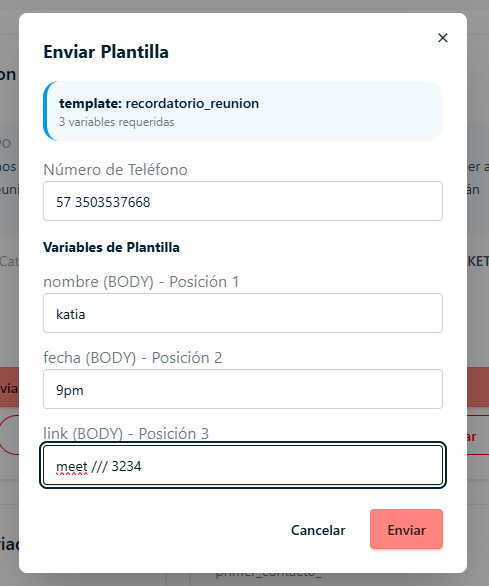
Step 5: Once the window has all the data managed and verified, click "Send".
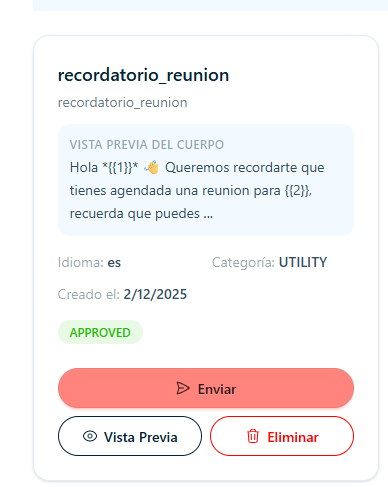
Step 6: If you want to see the text the template includes, you can click "Preview".
Step 7: If you want to delete the template, click "Delete".