
Help center
How to link your Shopify store with TBit | TBit
Connect your Shopify store with TBit to sync products automatically and let your AI agent sell them on WhatsApp.

How to link your Shopify store
Linking your Shopify Store is one of the integrations TBit offers. By letting TBit handle your customer service and having your store on Shopify, the product loading process will be fast and friendly.
Part 1: Log in to Shopify
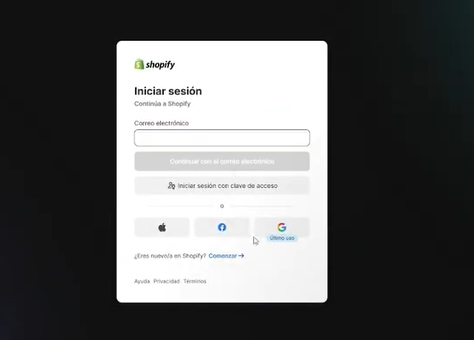
Open a new window and log in to your Shopify store.
Part 2: Install the TBit app
Step 1: Go back to the TBit platform.
Step 2: Click on "Install our Shopify app".
Step 3: Click "Install" again.

Part 3: Enter the linking code
A space will appear to enter a code. Copy the code you find on the TBit platform and paste it into Shopify.
Part 4: Wait for syncing
Wait a few minutes (the time will depend on how many products you have loaded). When the connection is ready, you'll see a confirmation message.
Part 5: Check your products
Go to the left column and open the "Store" option. There you'll find all your Shopify products ready for your TBit to sell.